
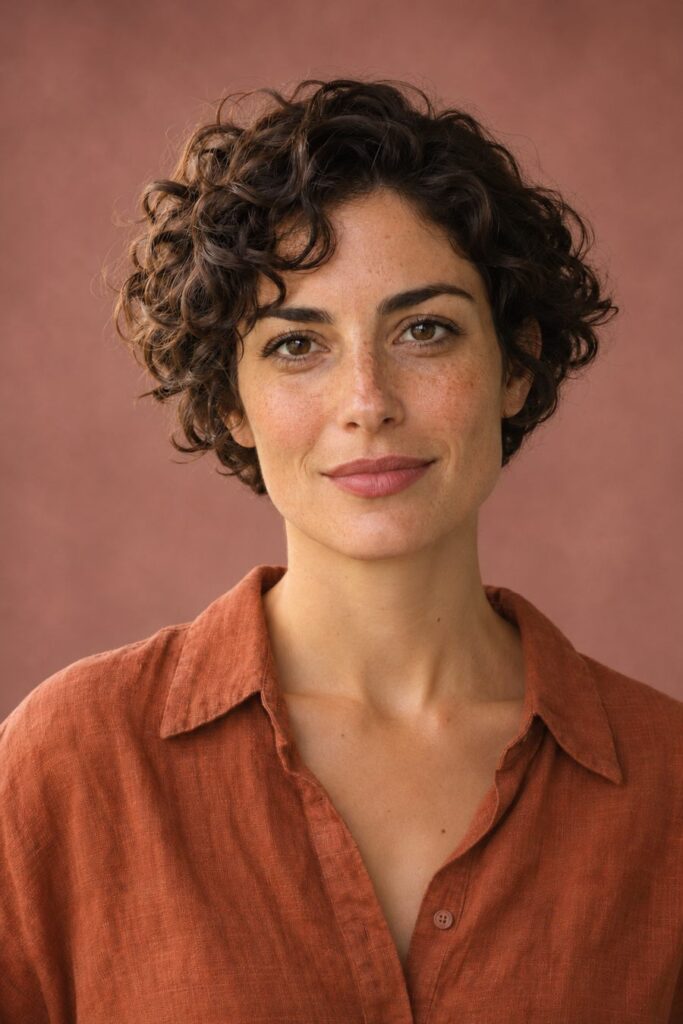
The task was to remove the visible window and green wall while keeping the light that the window appeared to cast. The image above is the edited result.
Copy the background edit prompt
Edit the supplied portrait. Replace only the sage-green wall and visible window frame behind the subject with a continuous muted dusty-rose studio backdrop. Preserve the subject's face, expression, short curls, freckles, rust linen shirt, crop, and soft window light from the left. Keep a natural transition around individual strands of hair. Return a vertical 2:3 image.Tested November 22, 2026 with OpenAI image generation in Codex.
Start with this reference
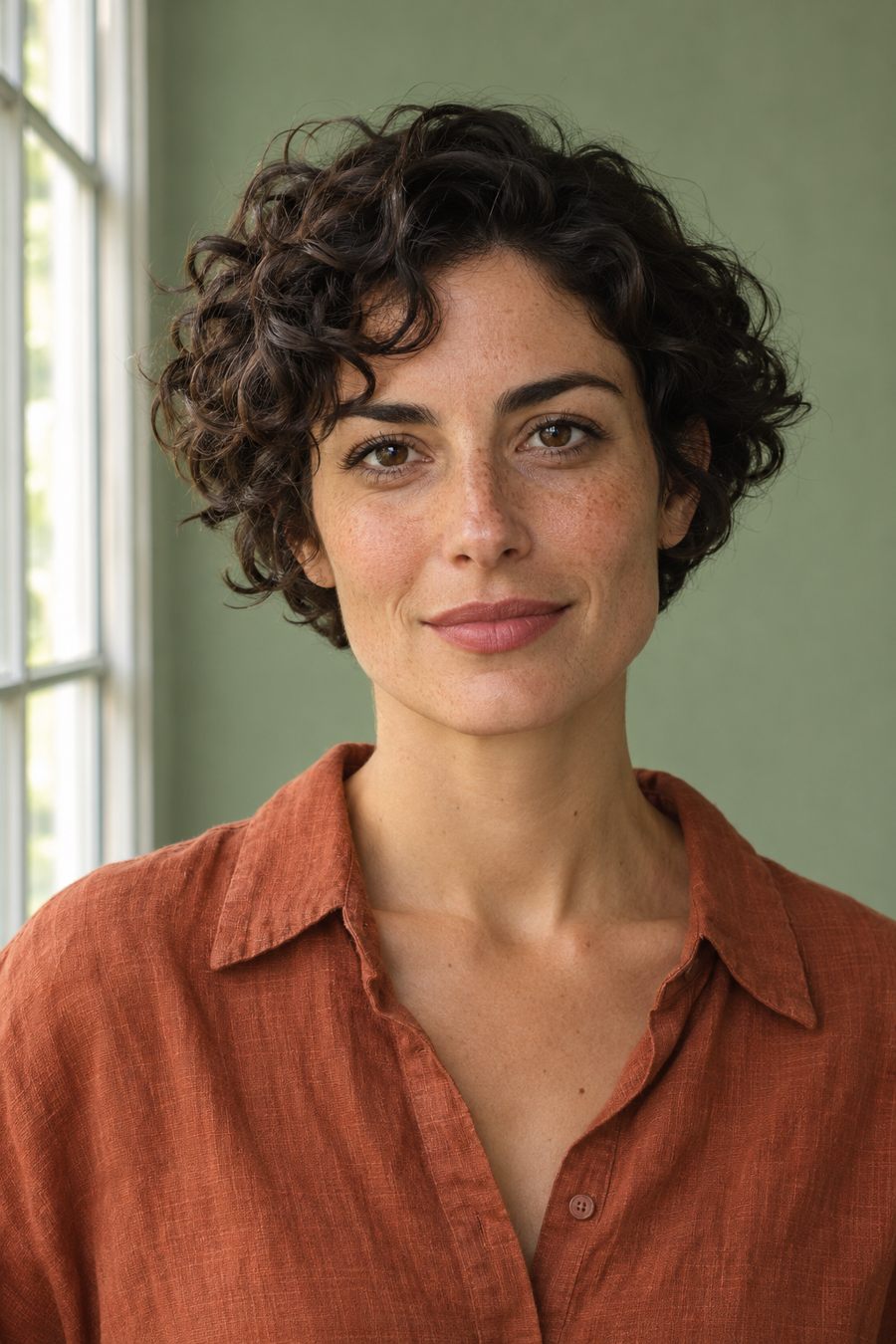
Upload the original portrait to an image tool that accepts a reference, then paste the edit prompt. For personal photos, use a picture you own or have permission to edit.
What changed
The dusty-rose backdrop replaces both the green wall and the bright window frame. The shirt and curls remain recognizable, though some of the freckles and the warmth of the skin shift between the two images. Compare the hairline at full size if fidelity matters.
Adapt the edit
Change just the color phrase to “cool gray studio backdrop.” Keep the preservation sentence in place so you can compare what happens to the face and clothing.
Next study
Copy the original window-light portrait prompt · How to write an image prompt